
plan2code
A spec-driven workflow for AI coding agents.
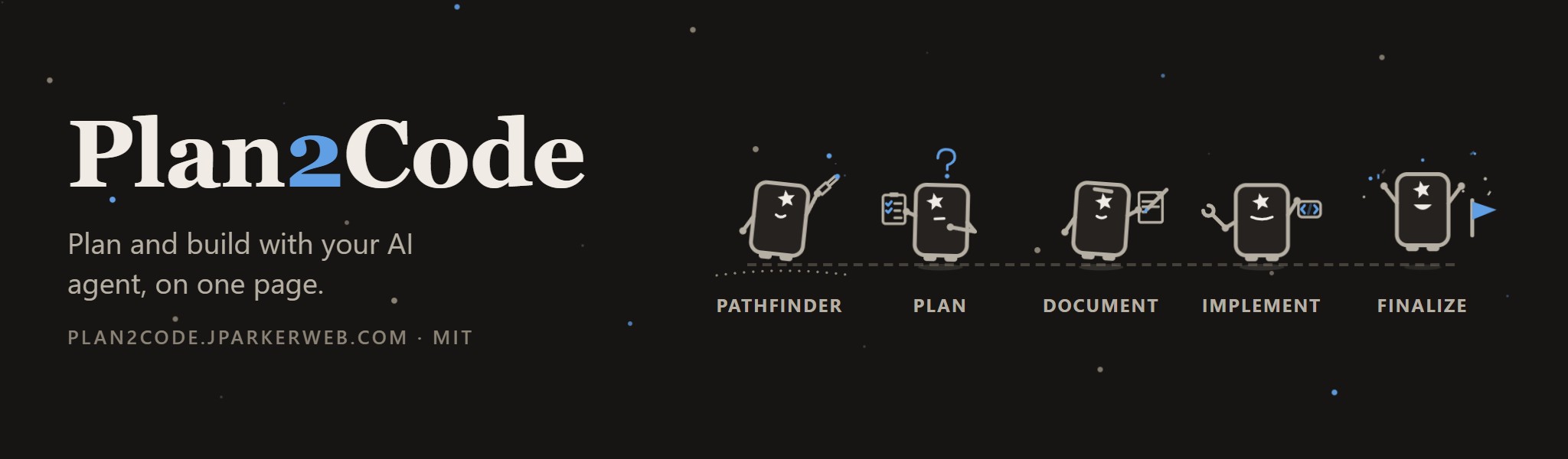
Plan2Code is a spec-driven workflow for AI coding agents that you work through on a page in your browser. The dashboard lists every step as a card, and each step’s questions, progress and sign-offs arrive on that same page while the agent does the work. Decisions still land in your repo as plain files: an approved plan becomes phase documents, and the agent builds to them one phase at a time, so the next session, the next agent and the next engineer all start from the same specs. The steps run from an optional Pathfinder through Plan, Document, Implement and Finalize, with Quick task, Review and Handoff cards always available. The plan2code command starts Claude Code or Devin on the dashboard, and the workflow installs as Agent Skills through the skills CLI for every agent it supports, including Cursor, GitHub Copilot, Windsurf, Codex and Gemini CLI. Version 2.4.1 is MIT licensed.
Related\\

add-block-to-hosts
A PowerShell script to block websites and domains by adding entries to your Windows hosts file.

ai-assist-skills
A collection of AI agent skills that automate recurring engineering workflows that can be installed across multiple AI coding assistants.

ai-skill--git-worktree
Interactive installer for Git Worktree Management skill. Creates proper SKILL.md files following the Agent Skills standard.