

obsidian-bullet-cards
css snippet to render bulleted list items as cards in Reading View (live preview not supported)
A CSS snippet that renders bulleted list items as cards in Obsidian’s Reading View (live preview is not supported). It depends on the obsidian-element-enhancer script to inject custom classes into the Reading View, and is enabled by copying the bullet-cards.css file into the Obsidian snippets folder. Cards are activated by adding a div with the bullet-cards class plus optional modifier classes. A range of modifier classes control vertical stacking, alignment, card width, content alignment, padding, and borders so the look can be mixed and matched.
Installation
-
Install
obsidian-element-enhancerscript to allow custom classes to be injected into the Reading View. -
Copy the
bullet-cards.cssfile to your Obsidian snippets folder and enable the snippet in your Appearance preferences.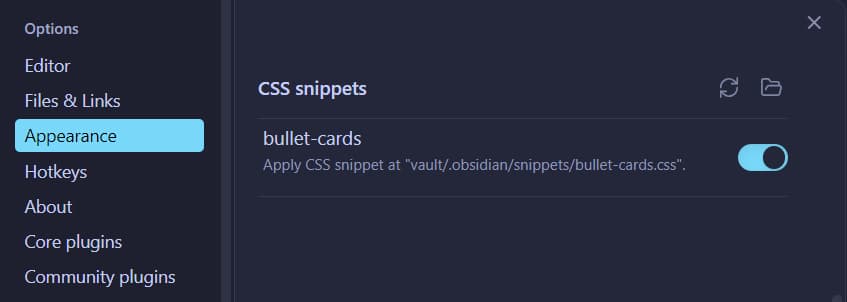
Related\\

obsidian-image-from-field
DataviewJS Script to render a Markdown image in Reading View using a local field for the source
pixel-banner
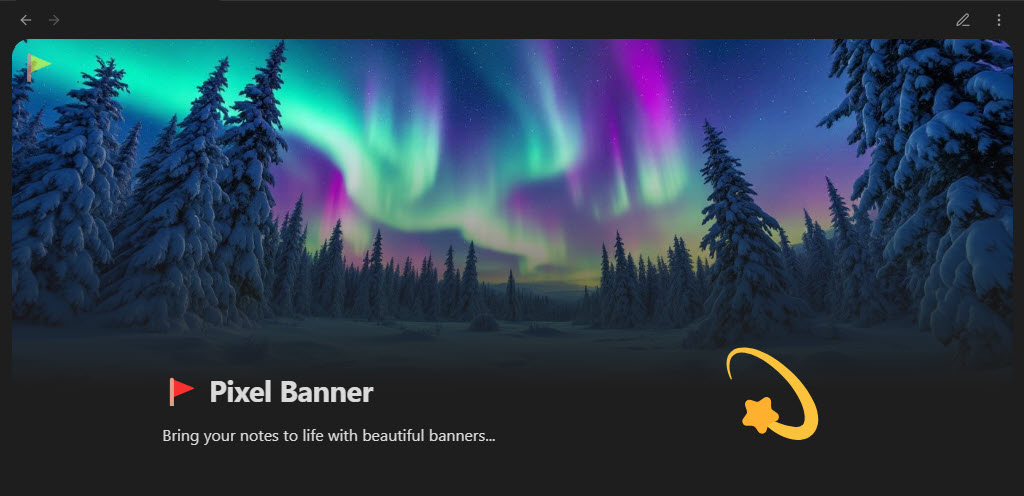
Pixel Banner is a powerful Obsidian plugin that transforms your notes with customizable banner images, creating visually stunning headers that enhance your…

rich-foot
Rich Foot is an Obsidian plugin that enhances the footer of your notes by adding backlinks, outlinks, and created/modified dates.